
Montgomery County Active Warrants
Montgomery County publishes active bench warrant information through a county-linked warrant portal and related Sheriff's Office pages. The county active bench warrants page routes searchers to the live warrant table, while the Sheriff's Office explains broader sheriff duties, including warrants, court security, transportation, detention, civil process, gun permits, and special services.
The sheriff identified in the research is Sean P. Kilkenny. His office also posts a strong fraud warning: the Sheriff's Office does not demand money by phone to settle bench or jury warrants. That matters because a real Montgomery County warrant can appear in a public list, but payment instructions from a caller are not proof that the caller is from the court.
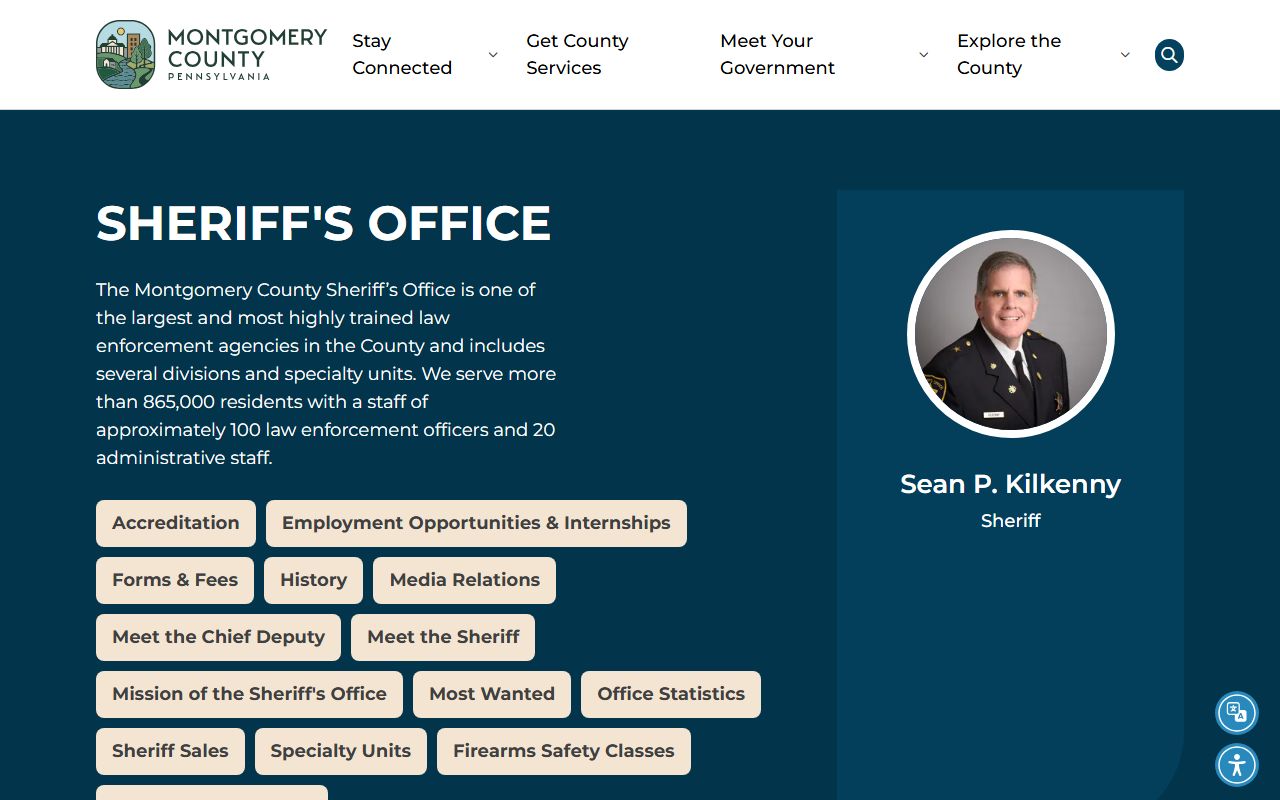
The Sheriff's Office profile is shown in the image captured from the official Meet the Sheriff page.
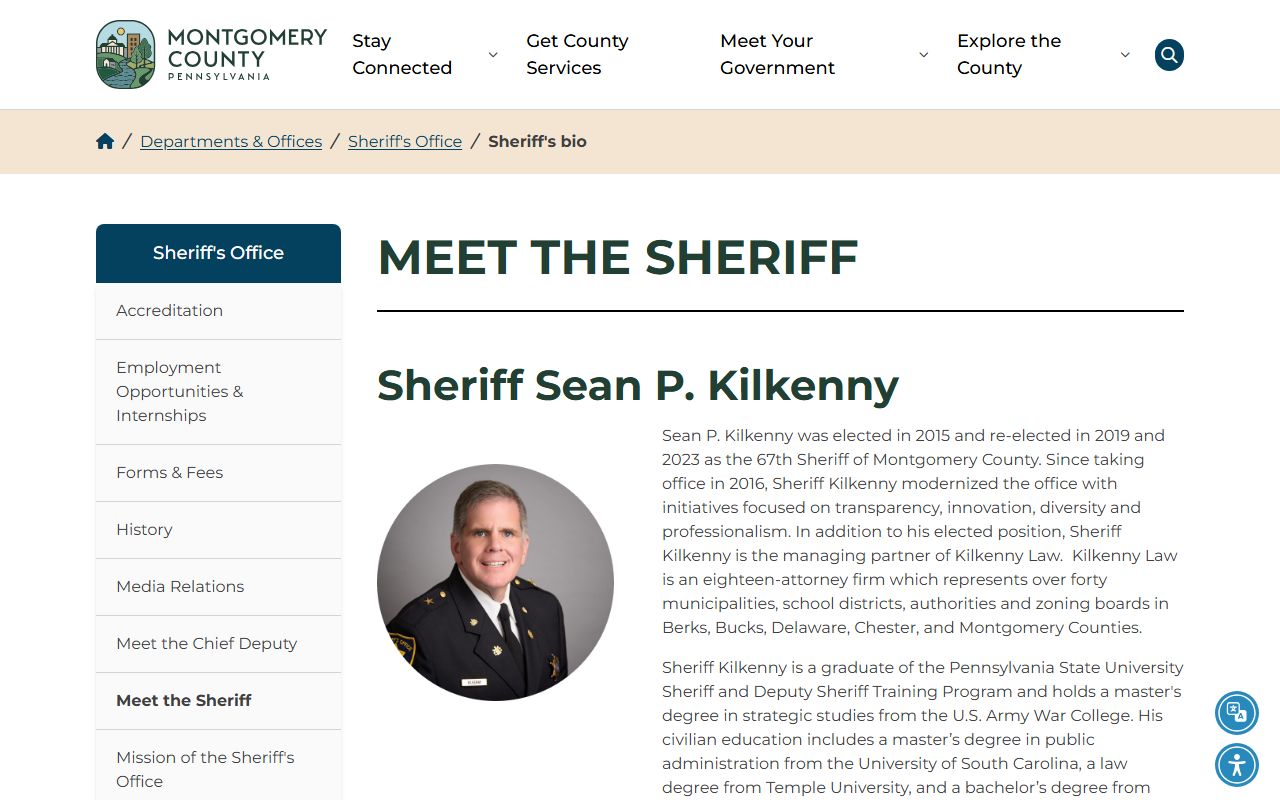
Use the sheriff source as context for the office, then verify any warrant action through the linked warrant portal, UJS docket, Clerk of Courts, or Magisterial District Court.
Types of Montgomery County Warrants
Research found public detail for active bench warrants, most-wanted entries, and UJS warrant-related docket categories. It did not locate a single official statewide public database for all Pennsylvania warrants. A Montgomery County warrant search should therefore separate the public bench warrant list from court docket entries and from nonpublic warrant types.
- Bench warrant - usually tied to a missed court date, unpaid obligation, or court order.
- MDJ warrant - may arise from traffic, summary, or preliminary criminal matters in Magisterial District Court.
- Common Pleas warrant - may connect to a criminal Court of Common Pleas docket or probation issue.
- Search warrant - may be sealed or not listed in a public person-search table.
- Most Wanted entry - a Sheriff's Office notice that can include a tip option, but is not the same as a full court docket.
The research also captured UJS category options that include delayed warrant, governor's warrant, juror bench warrants, search warrant, sealed search warrant, fugitive, extradition, and violation of probation. Those labels show why one public list cannot be treated as the full universe of Montgomery County warrant records.
Bench warrants often matter most to people searching their own name because they can stem from a missed court event or unresolved obligation. Search warrants and sealed search warrants are different. They may relate to an investigation and may not be visible in a public name table. Juror bench warrants also differ from criminal arrest warrants because they can arise from jury service issues rather than a new criminal charge.
How to Search Montgomery Warrants
The county-linked Active Bench Warrants portal is the starting point for public active bench warrants. It uses a searchable table rather than a case-file style record. The Pennsylvania UJS Case Search should then be used to check the docket number, case status, court events, and public docket entries when the warrant table supplies a docket reference.
- Open the county-linked active bench warrant table and search by name, city, state, zip, issue date, or docket number.
- If a docket number appears, search the docket in UJS Case Search or PAePay when the matter is traffic or summary and payable.
- For MDJ matters, use the docket or the Magisterial District Court locator to identify the proper office.
- For criminal Common Pleas matters, contact the Clerk of Courts if the issue involves fines, costs, restitution, bail, appeals, or criminal records.
- Do not rely on a phone caller's payment demand. Confirm the case through an official county or state source.
The live county-linked table is reflected in the captured image from the active bench warrant search.
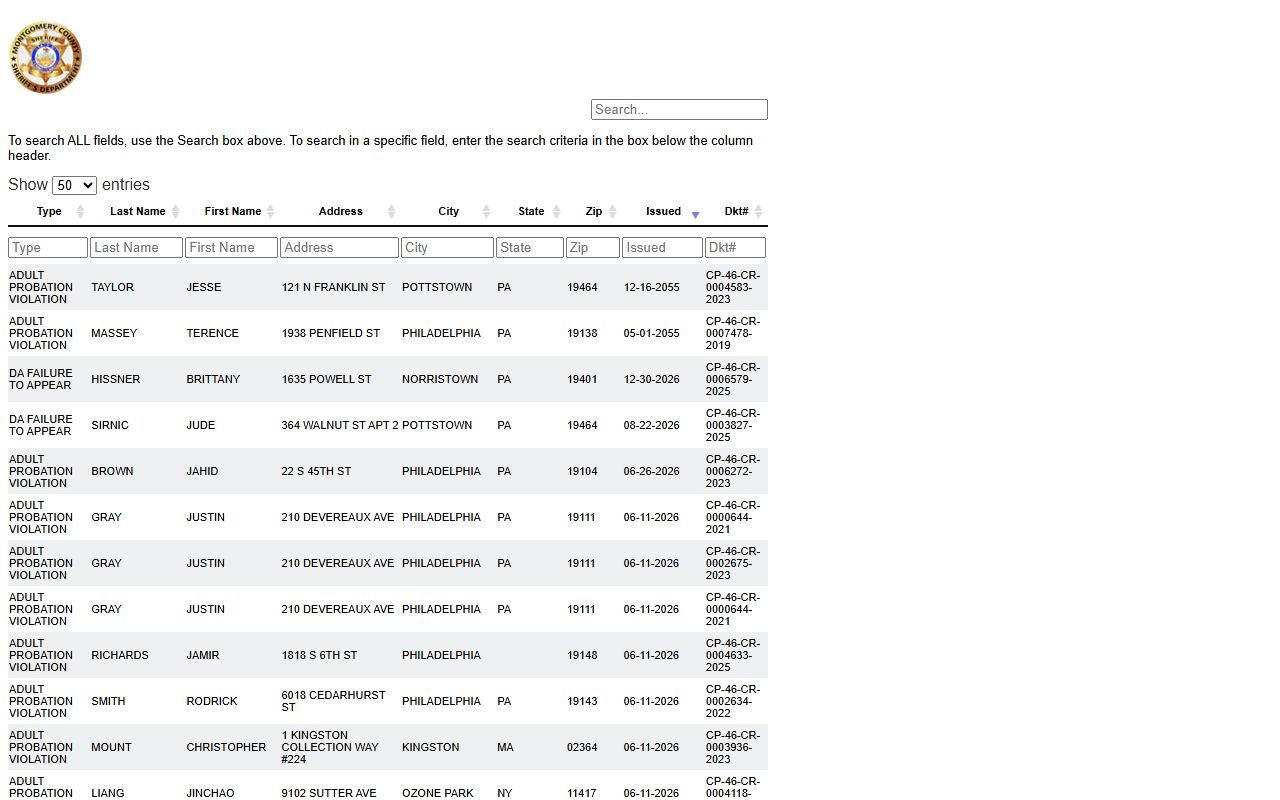
The table format makes broad name searching fast, but the docket follow-up is what ties a warrant result back to a court case.
If the warrant appears to involve traffic or a non-traffic summary case, the docket may be an MDJ matter. If it appears to involve a Common Pleas criminal docket, the Clerk of Courts can be relevant for payments, bail, appeals, expungement filings, and certified criminal documents. The sheriff list tells you that a public warrant entry exists; it does not always explain the case history or the court action needed to resolve it.
Montgomery County Warrant Fields
The active bench warrant table supports a global search and column-level filtering. The legacy county help page also describes partial last-name searching, city filters, and sortable fields. More letters narrow the results. The captured fields below come from the research table and should be treated as public search controls, not as proof of a complete warrant file.
| Field Label | Type | Required | Notes |
|---|---|---|---|
| Global Search | Text | No | Searches all displayed warrant fields. |
| Type | Column filter | No | Filters the warrant type column. |
| Last Name | Column filter | No | Legacy help says partial spelling is accepted. |
| First Name | Column filter | No | Used with last name to narrow matches. |
| City / State / Zip | Column filter | No | Filters address fields shown in the table. |
| Issued | Column filter | No | Default sort is by issue date descending. |
| Dkt# | Column filter | No | Docket number for UJS or court follow-up. |
A second captured image from the county's active bench warrant page shows the local route into the warrant tool.
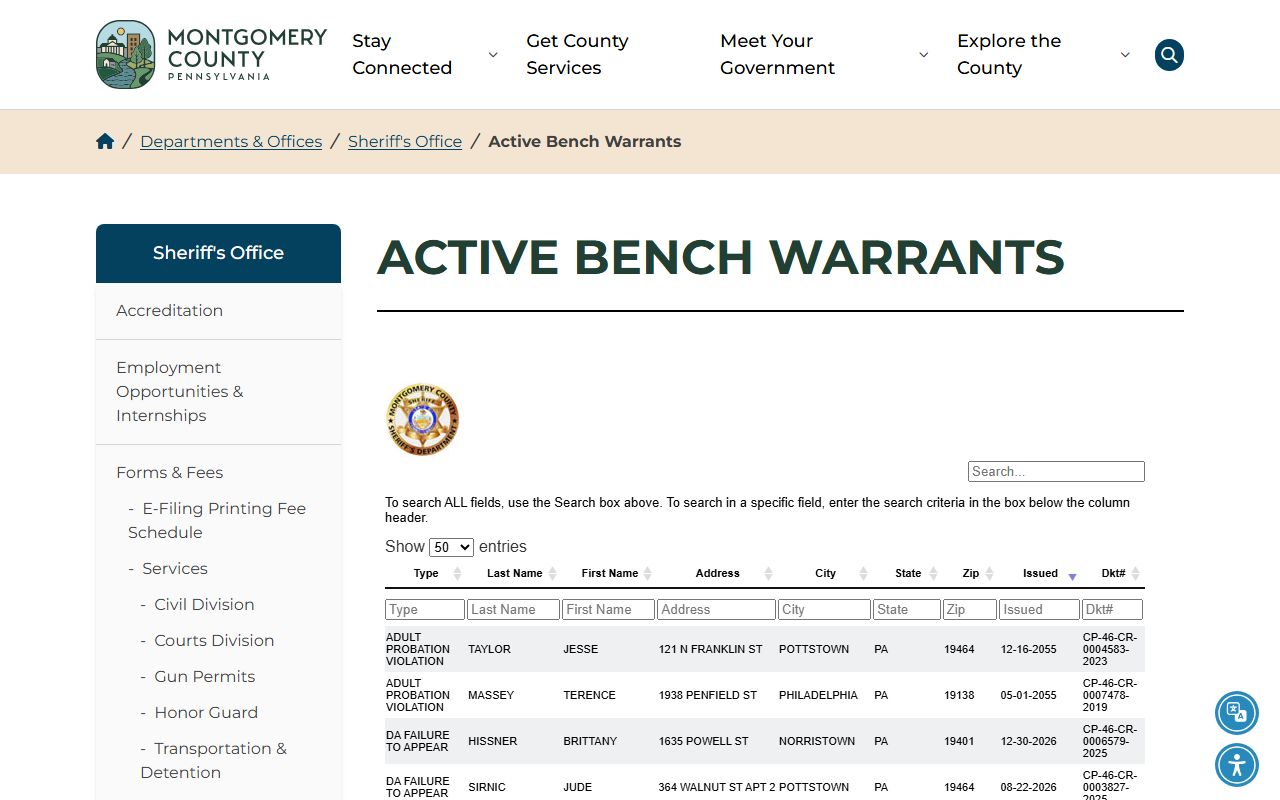
The county route is useful when the direct table changes, because it remains the official local referral point for active bench warrants.
What Montgomery Warrants Show
The visible warrant inventory is a table record, not a full case file. It can point to the person, location fields, issue date, warrant type, and docket number. It does not replace a court docket, criminal history record, or official notice from a judge. If the docket number is visible, use it to locate the related case in UJS or with the proper clerk.
| Field | What It Shows |
|---|---|
| Type | The warrant category displayed in the public table. |
| Last Name / First Name | The listed person's name fields. |
| Address / City / State / Zip | Location fields shown by the public table. |
| Issued | The issue date shown for sorting and review. |
| Dkt# | The docket number used for court follow-up. |
The older county warrant help material is represented in the manifest image from the legacy warrant help page.
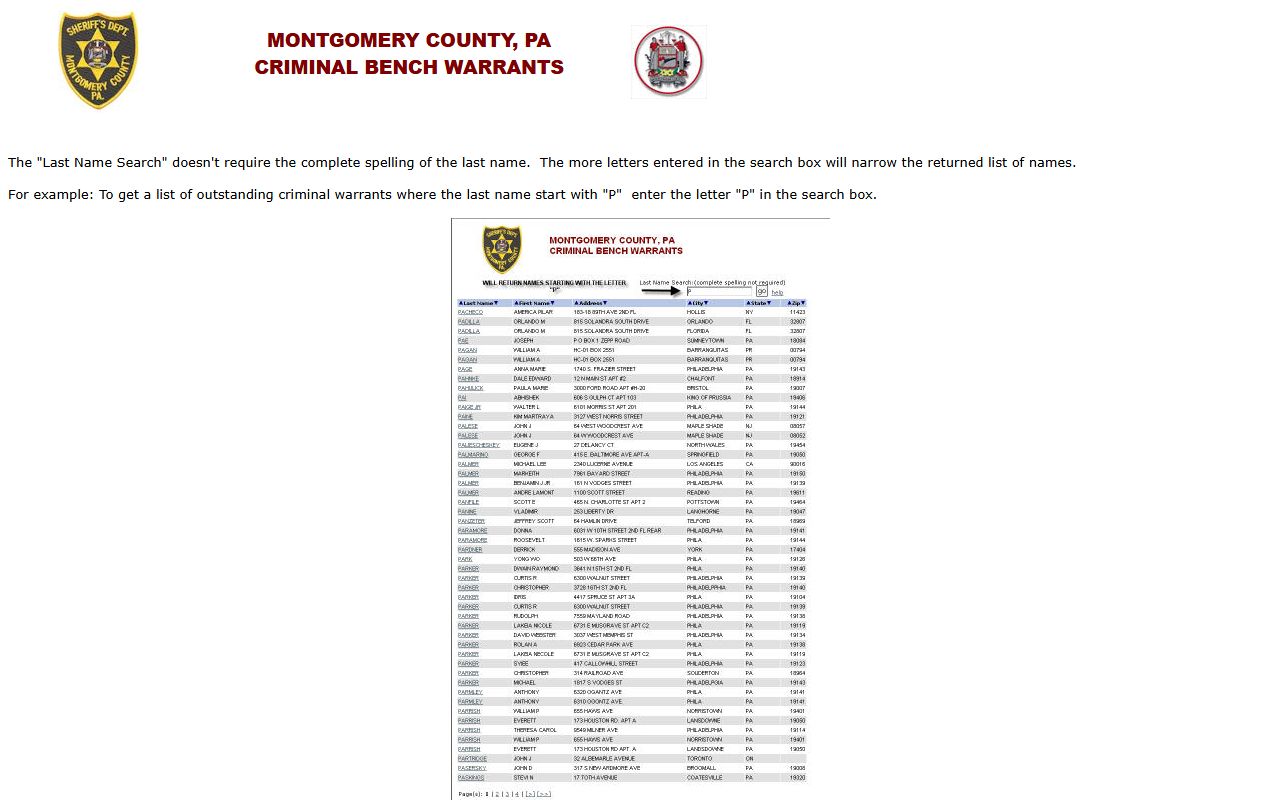
The legacy help confirms partial-name searching and sorting behavior, but unstable detail routes mean the current live table should control any active lookup.
What to Do If You Have an Outstanding Warrant
Start by confirming the warrant source. A bench warrant tied to a missed MDJ traffic or summary case may need the Magisterial District Court. A criminal Common Pleas warrant may require the Clerk of Courts, the court, probation, or counsel. Payment alone may not clear a warrant unless the court recalls it, even when a related fine or cost balance can be paid through PAePay or the Clerk of Courts payment channels.
For unpaid Common Pleas criminal fines, costs, or restitution, Montgomery County's Clerk of Courts accepts in-office payment, mail payment, online payment through Pennsylvania UJS, and phone payment through Official Payments using jurisdiction code 4873. For traffic or summary cases, PAePay may work only when the case is eligible and payable. Limited-access cases and warrant cases may require direct court contact.
Important: County research did not locate official surrender instructions or a direct warrant division phone line.
The Sheriff's Office page, captured from the official Sheriff's Office source, is the broader agency reference for warrants and fraud warnings.
That broader source is useful for office context, but it should be paired with the active warrant portal and case docket before decisions are made.
Most Wanted and Tips
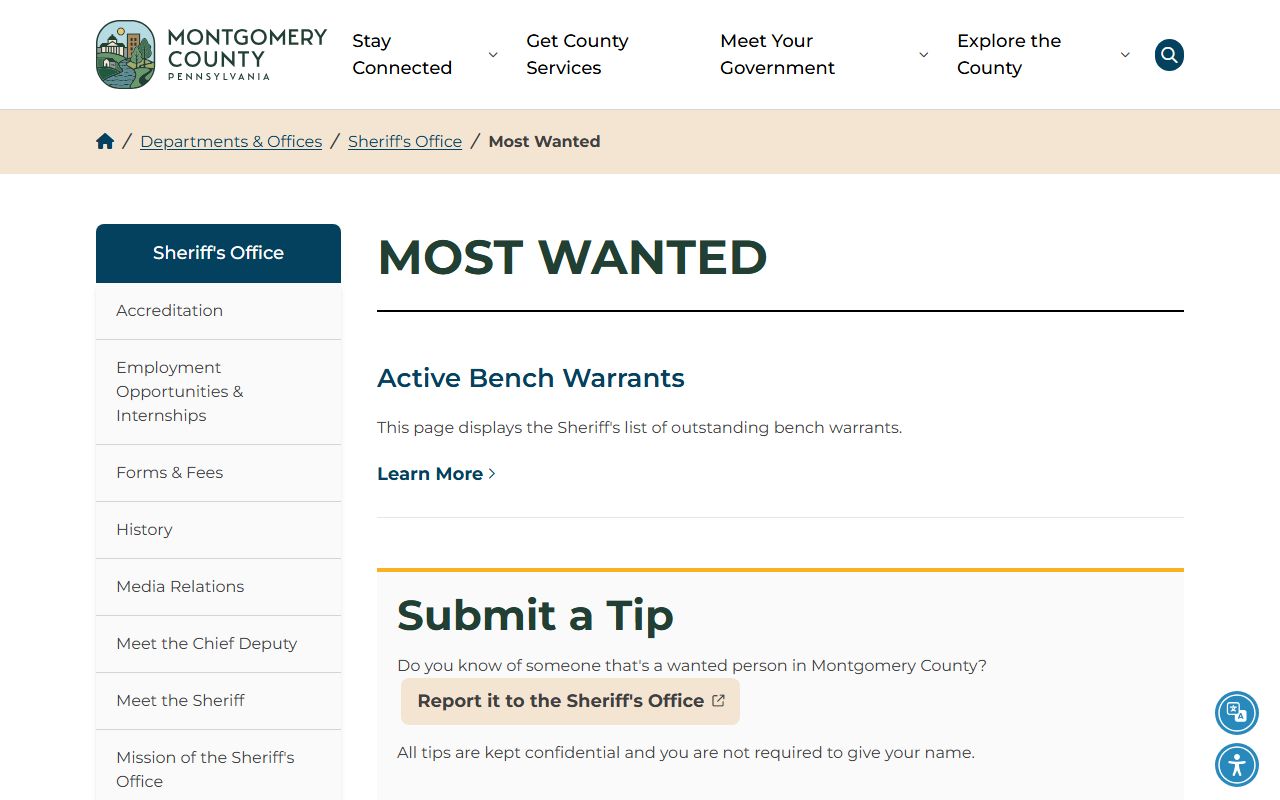
The Sheriff's Most Wanted page accepts tips about wanted persons. The research notes that tips may be private or confidential and that a name is not required. It also notes that false information may lead to consequences. This is a tip channel, not a substitute for checking whether a specific docket has an active bench warrant.
The manifest image comes from the official Sheriff's Most Wanted page.
Use the Most Wanted source for public safety tips and wanted-person notices, then use UJS or the issuing court for case details.
Restricted Montgomery Warrants
Not every warrant is public. The research captured UJS categories for search warrants and sealed search warrants, which means a public name table may omit matters that are sealed by law or court order. Juvenile matters are also restricted under Pennsylvania's Juvenile Act, and expunged or limited-access criminal matters may not appear in public UJS results.
No statewide public all-warrant database was located in official Pennsylvania sources. Federal warrants, sealed warrants, juvenile warrants, and some investigative warrants should not be expected in the Montgomery County active bench warrant table. A missing public result is not proof that no warrant exists.
Public docket limits also matter. UJS warns that recent entries may not appear immediately and that limited-access cases are not public on the portal. Magisterial District Court docket sheets can be removed when official paper records have been destroyed under retention rules. Those limits can affect warrant follow-up when the public docket looks sparse.
Note: The most reliable public workflow is county warrant table, UJS docket, then the issuing court or clerk.